
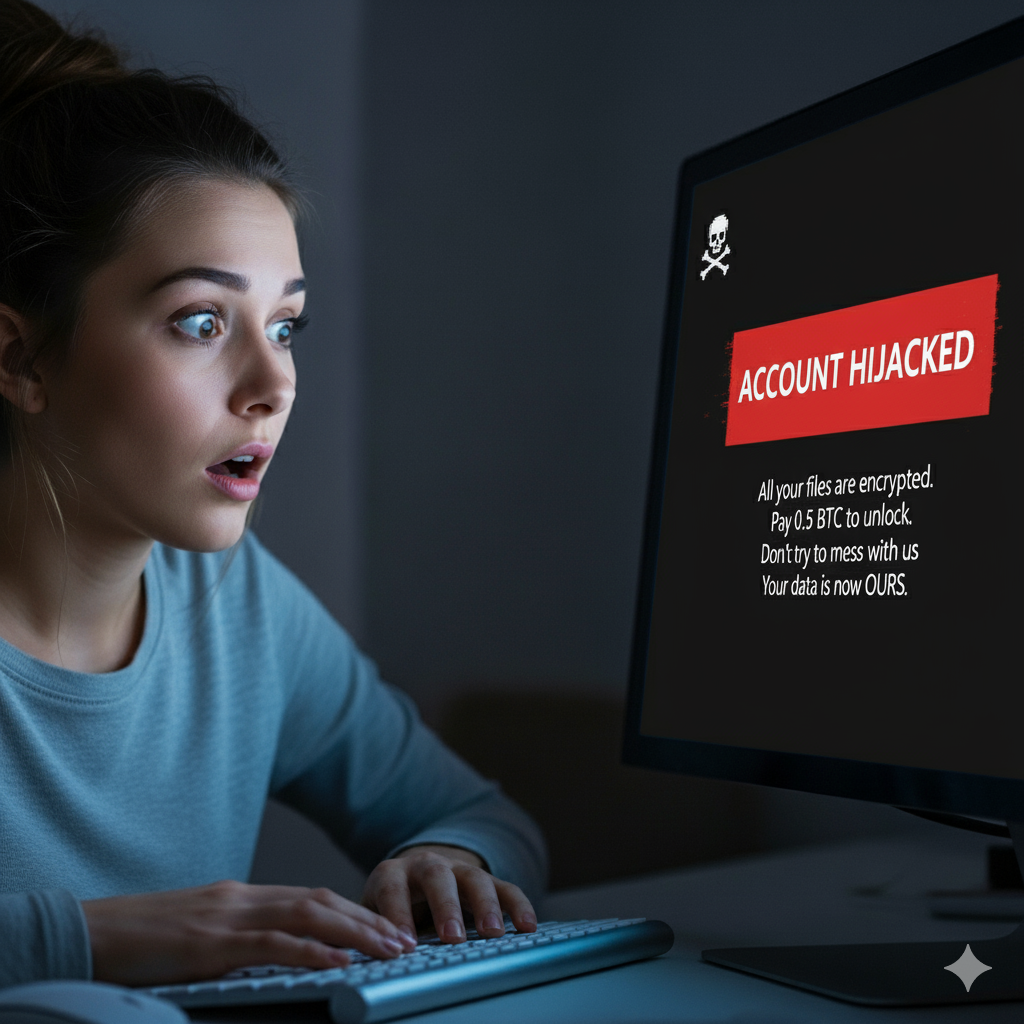
In the vast and ever-expanding universe of the internet, where every click can open a door to new opportunities, there also exists the constant shadow of invisible threats. One of the most insidious and damaging is ransomware, commonly known as computer hijacking. This type of cyberattack doesn’t just affect large corporations or critical infrastructure; increasingly, small businesses, bloggers, and website owners become targets, watching as their work, reputation, and, crucially, their income, are seized in the blink of an eye. Cybersecurity is not a luxury, but an imperative necessity.
The Danger of Losing Control: Your Blog, Your Income, Your Identity
Imagine this: You’ve invested countless hours, creativity, and effort into building your blog or website. It’s your platform for sharing ideas, selling products, interacting with your audience, and very possibly, your source of income. Suddenly, one day, you try to access it and are met with a terrifying message: “Your files have been encrypted. Pay X amount of bitcoins to recover them.” Your content disappears, your online store is inoperable, and your readers or customers are greeted with a blank page or, worse, the attacker’s message.
Income stops instantly. If your blog relies on advertising, product sales, subscriptions, or services, every minute your site is inaccessible is money lost. Beyond direct financial loss, the damage to your reputation is immeasurable. Your readers may lose trust, assuming your site isn’t secure or that you don’t care about their experience. Rebuilding that trust and recovering your user base can take months or even be impossible.
But the risk goes beyond money and reputation. Attackers don’t just encrypt data; they often exfiltrate sensitive information. This could include user data (emails, names, hashed passwords), transaction information, or even your own unpublished content. This information could be sold on the dark web, used for targeted phishing attacks, or even to impersonate your digital identity. The possibility of your ideas or identity being compromised is a devastating blow.
How Does a Ransomware Attack Occur?
Ransomware attackers are ingenious and use various methods to infiltrate:
- Phishing: Fraudulent emails that mimic legitimate entities (banks, email services, hosting providers) and entice you to click on a malicious link or download an infected file.
- Software vulnerabilities: If your Content Management System (CMS) like WordPress, your plugins, themes, or your server are not updated, they may have known security flaws that attackers can easily exploit.
- Weak passwords: An easy-to-guess password or one reused across multiple sites is an open invitation for cybercriminals.
- Malicious downloads: Installing pirated software, applications from untrusted sources, or opening files from unknown origins.
Cybersecurity Strategies: Prevention is Key
The best defense against a ransomware attack is a robust prevention strategy. Here’s what you can do:
- Regular and Diversified Backups (Your Fundamental Safety Net!):
- Frequency: Back up your blog or website automatically and regularly. Daily, at a minimum.
- Location: Don’t just save them on your server. Use multiple locations: an disconnected external hard drive, cloud storage services (separate from your main network), or a dedicated backup server.
- Verification: Make sure your backups work. Try restoring them in a test environment occasionally to confirm their integrity.
- Version control: Maintain multiple versions of your backups (e.g., from the last 7 days, a month, etc.) to be able to roll back if the infection wasn’t detected immediately.
- Up-to-Date Software (Your Software Shield!):
- CMS, plugins, and themes: Always keep your WordPress, Joomla, Drupal, or any other CMS you use updated. The same applies to all installed plugins and themes. Updates often include crucial security patches.
- Server operating system: If you manage your own server (VPS or dedicated), ensure its operating system and all services are also updated.
- Strong Passwords and Secure Management (Your Digital Locks!):
- Complexity: Use long, complex passwords that combine uppercase and lowercase letters, numbers, and symbols.
- Uniqueness: Never use the same password for your hosting control panel, CMS, email, and social media accounts.
- Password manager: Use a password manager (like LastPass, 1Password, or Bitwarden) to generate and store secure passwords.
- Two-Factor Authentication (2FA): Enable 2FA whenever possible (for your hosting, CMS, email account). This adds an extra layer of security.
- Web Application Firewall (WAF) and Server Security:
- WAF: A WAF filters malicious traffic before it reaches your website, blocking common attacks like SQL injections or cross-site scripting (XSS). Many hosting providers offer WAFs, or services like Cloudflare can provide it.
- Server security: Ensure your hosting provider has good server security measures, including firewalls, intrusion monitoring, and DDoS protection.
- Education and Awareness (Your First Line of Defense!):
- Phishing: Learn to identify phishing emails. Check the sender, look for spelling errors, and be wary of messages asking for personal information or pressuring you to act quickly.
- Vigilance: Stay informed about the latest security threats.
- Antivirus and Antimalware (For Your Local Devices):
- Ensure the computer you use to manage your blog is protected with good antivirus and antimalware software.
- Limiting Permissions:
- Apply the “least privilege” principle for users and services on your server and CMS. Grant only strictly necessary permissions.
What if You’ve Already Been Attacked?
If your blog or website has already been hijacked:
- Disconnect: Disconnect your site from the internet temporarily to prevent the infection from spreading or causing further damage.
- Do not pay the ransom: Paying does not guarantee data recovery and only funds cybercriminals.
- Restore: Use one of your clean backups to restore your site. It’s crucial to ensure the backup itself isn’t compromised.
- Forensic analysis: Consider hiring a cybersecurity expert to conduct a forensic analysis, identify how the attack occurred, and close vulnerabilities.
- Notify: If you handle user data, you may have a legal obligation to notify them about the security breach.
Cybersecurity is a continuous process, not a one-time event. Keeping your blog or website protected requires vigilance, constant updates, and good planning. In today’s digital world, your online presence is a valuable asset that deserves maximum protection.